AI RAP VIDEO. STARRING YOU.
Turn an idea into rap lyrics, then bring them to life with your photo.
Start creatingFind your stage.
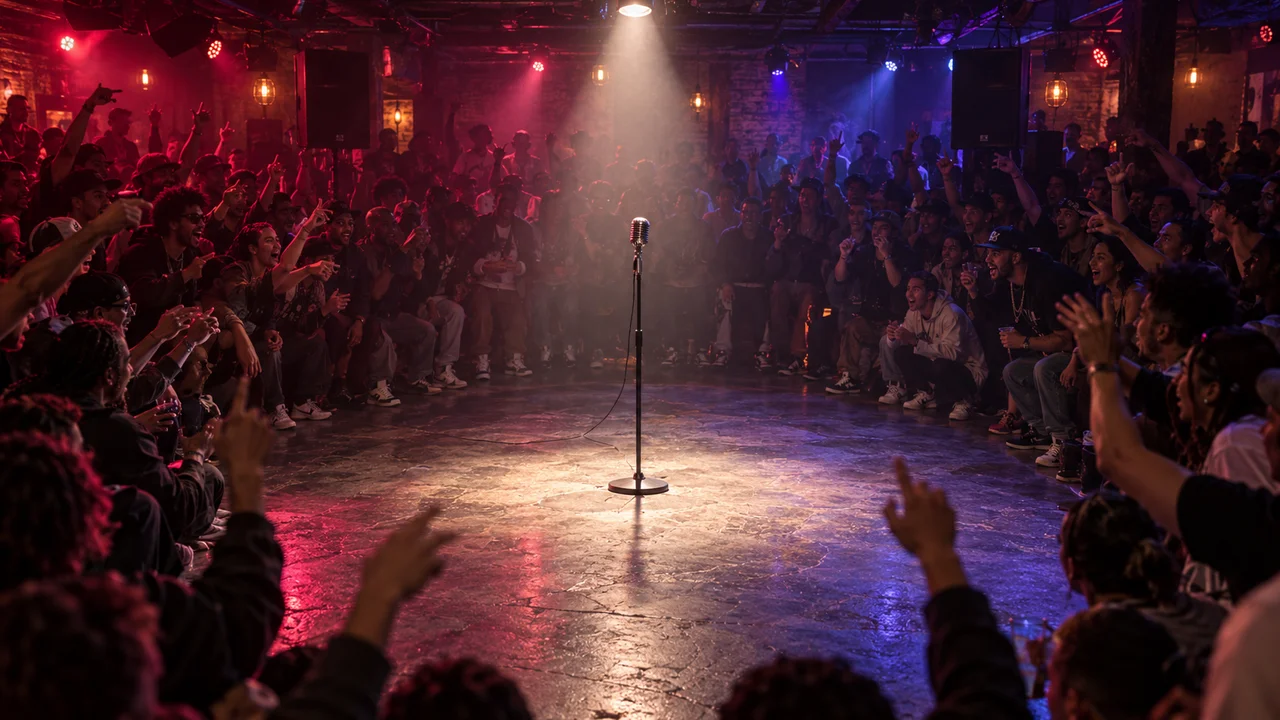
Live House
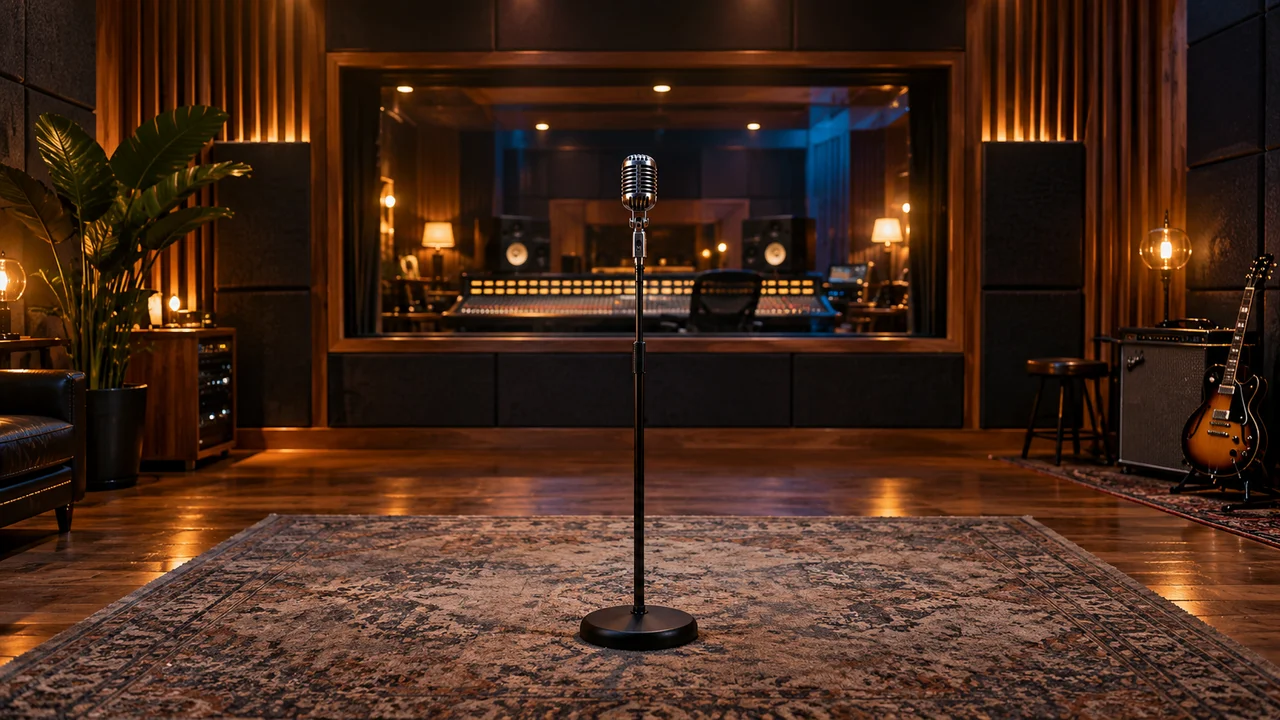
Recording Studio
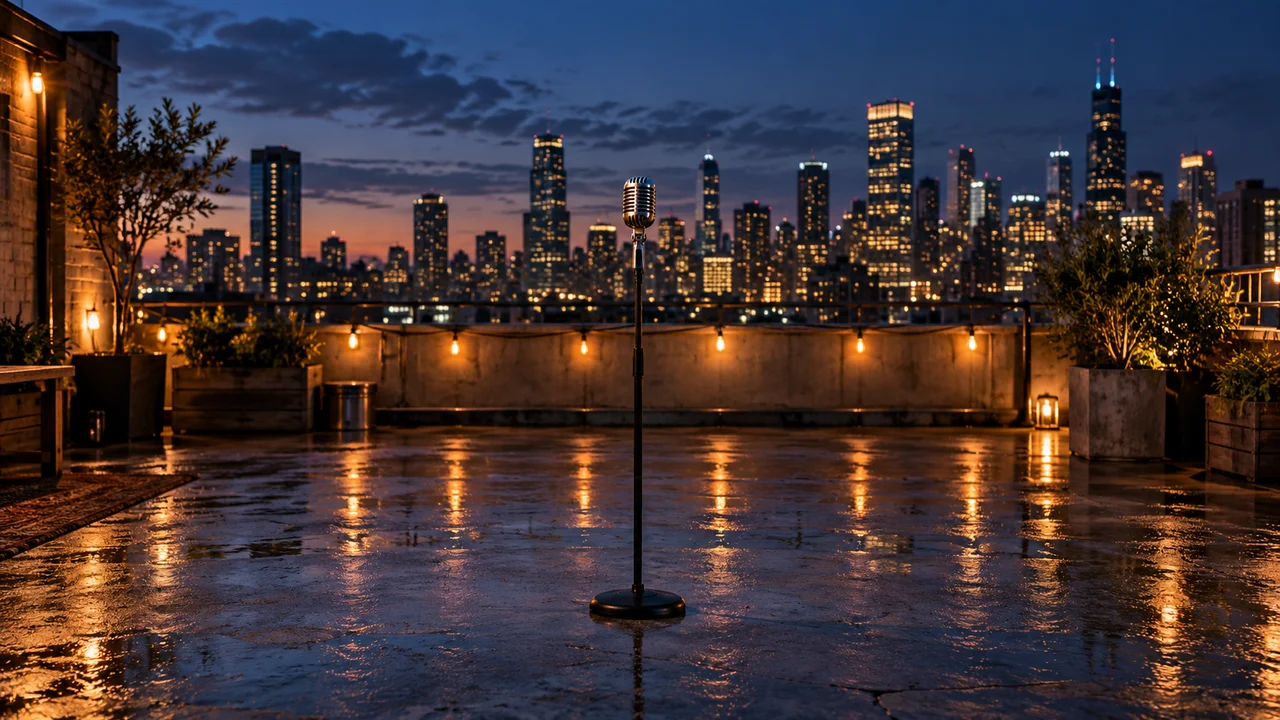
Rooftop at Night
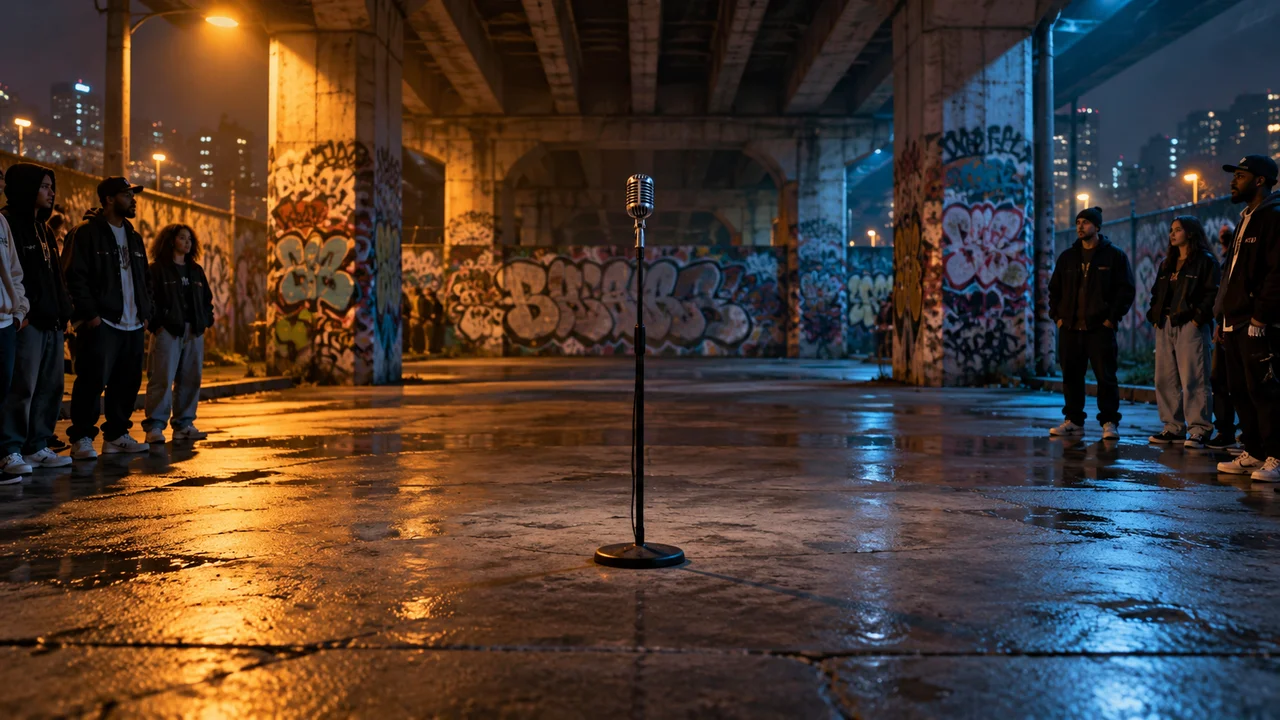
Street Cypher
Made with Flowsona
From photo to performance.
Start with an idea
Add your photo and pick a stage
Generate & download
Try another performance.
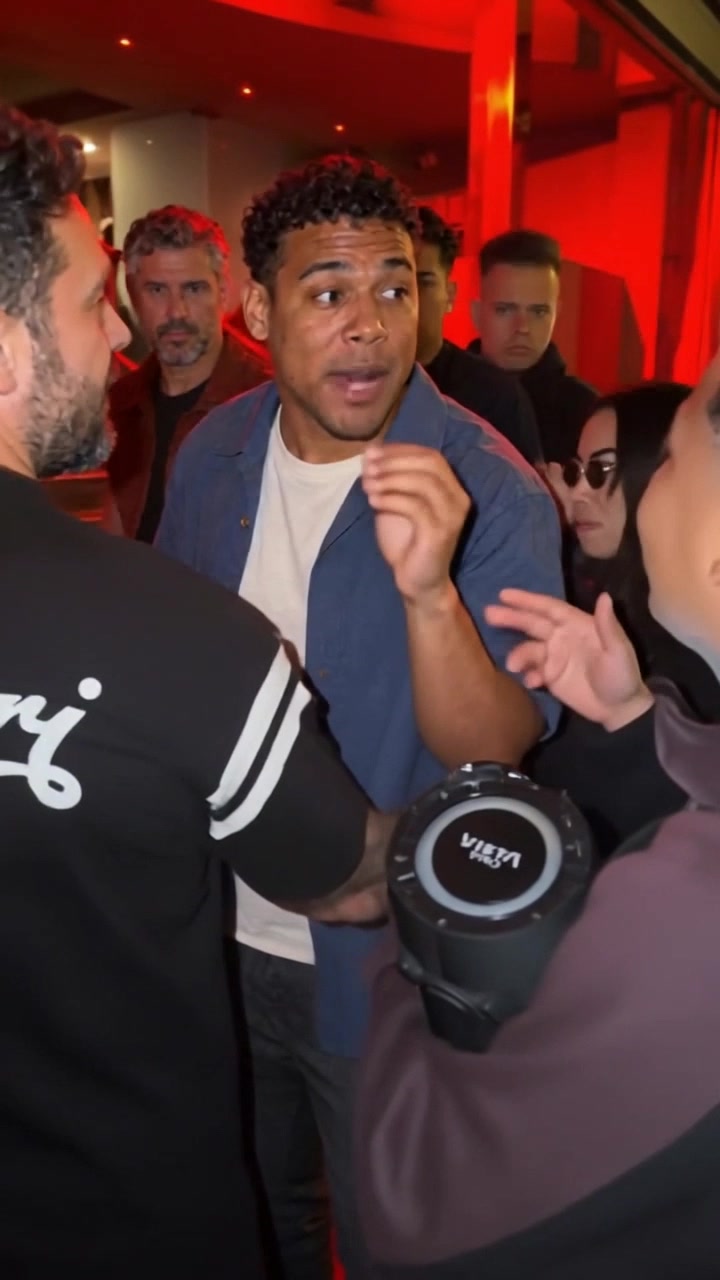 1 portrait19sBulin 47 AIStep into the Bulin 47 freestyle with one photo. The street scene, performance and original soundtrack are ready—upload your portrait and create your version here.View template
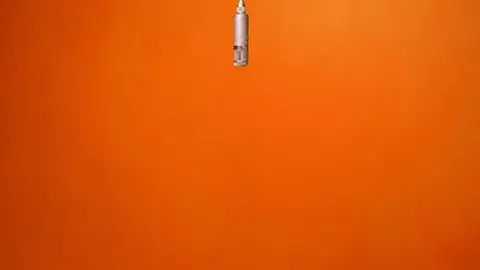 2 portraits · Studio preview15sHotel Lobby Rap DuetCast yourself and a partner in a 15-second rap duet. Bring two portraits to the orange studio and share one hanging microphone.View template
Frequently asked questions
Use a clear photo of one person, with their face visible. JPG, PNG, WebP and HEIC are supported, up to 25 MB. Visible clothing is preserved; missing details are completed with coordinated stagewear.
Describe what you want to say and we’ll write a short verse you can edit. You can also paste your own lyrics. Reference audio is optional. Each account gets one free verse. With a positive credit balance, writing lyrics uses no credits.
Yes. Choose landscape 16:9 or portrait 9:16. The length slider changes with the model, and the creator shows the supported range and credit cost before you generate.
Credits depend on the model, resolution and duration. MiniMax H3 at 720p for 15 seconds uses 40 credits, including the character reference image. Your total is shown before generation. Buying credits does not start generation.
Progress and results appear below the creator and in My videos after sign-in. You can leave the page and return to check progress. Completed videos can be downloaded privately as MP4 files with sound.
A confirmed generation failure returns the credits used for that video. If a result is still being processed or saved, the same task continues; it does not start a second generation or charge again.